Help › Android › Troubleshooting
How to Send the Log File
Privacy note: please don't send logs unless support@phone-leash.com specifically asks you to. Logs contain private information, so we only request them when absolutely necessary.
Steps
- Launch PhoneLeash.
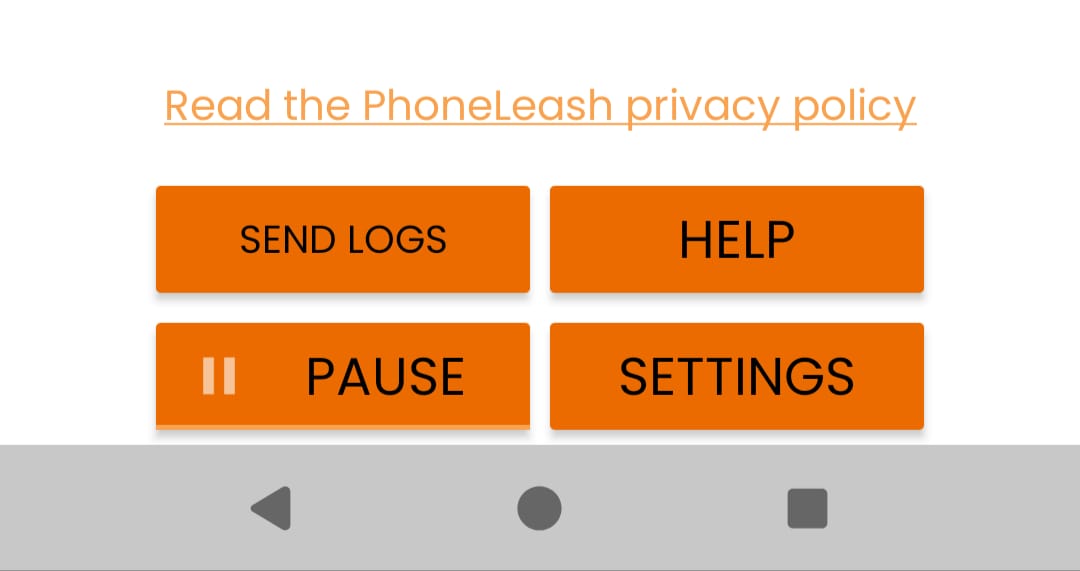
- Tap the SEND LOGS button.
- Choose your email app (Gmail, Outlook, etc.) when prompted.
- Add a brief explanation of the issue you're seeing.
- Send the email.